
NSFAS Status Check for TUT Students (2026 Guide)
If you have applied to the Tshwane University of Technology (TUT) and are relying on NSFAS funding, checking your NSFAS status is just as important as tracking your TUT application. NSFAS approval determines whether your tuition fees, accommodation, and allowances will be funded for the academic year.
This guide explains how to check your NSFAS status for TUT, what each status means, and what to do if there is a delay or problem.
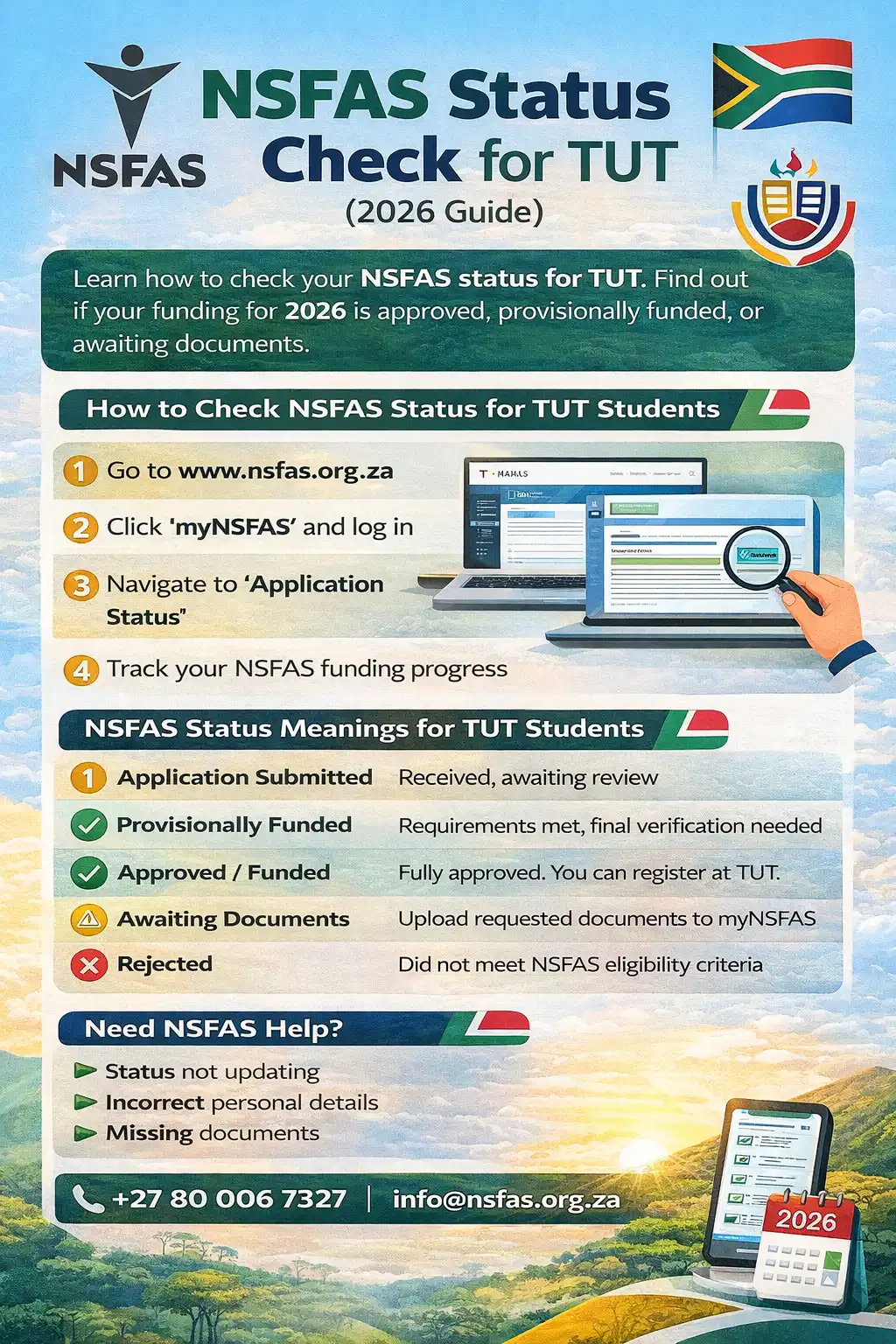
How to Check NSFAS Status for TUT Students
NSFAS status checks are done through the official NSFAS portal, not the TUT portal.
Step-by-Step: NSFAS Status Check Online
-
Visit the official NSFAS website
-
Click on “myNSFAS Account”
-
Log in using your ID number and password
-
Navigate to Application Status
-
View your current NSFAS funding status
Your status will reflect whether your funding is approved, provisionally approved, or declined.
Can You Check NSFAS Status Through TUT?
No.
TUT does not process NSFAS applications directly.
However:
-
TUT receives funding confirmation from NSFAS
-
Your registration at TUT depends on NSFAS approval
-
Your TUT portal may later reflect funding once synced
👉 Always check NSFAS first, then confirm on TUT systems if needed.
NSFAS Status Meanings for TUT Students
Understanding your NSFAS status helps you know what to do next.
Application Submitted
Your NSFAS application was received successfully but has not yet been reviewed.
Provisionally Funded
You meet most requirements, but NSFAS still needs verification (academic or financial).
Approved / Funded
Your NSFAS funding is confirmed. You can proceed with TUT registration.
Awaiting Documents
NSFAS requires additional documents such as:
-
Proof of income
-
Consent forms
-
Academic records
Rejected
Your application did not meet NSFAS eligibility criteria.
What to Do If NSFAS Is Approved but TUT Status Is Pending
This is common and does not mean a problem.
Steps to follow:
-
Confirm NSFAS approval in your myNSFAS account
-
Log in to the TUT iEnabler portal
-
Upload any outstanding documents requested by TUT
-
Wait for TUT to finalize admission review
NSFAS funding does not automatically guarantee admission—both processes run separately.
What If TUT Accepts You but NSFAS Is Still Pending?
You can:
-
Accept the TUT offer
-
Monitor NSFAS status closely
-
Contact NSFAS support if delays exceed timelines
⚠️ Do not miss TUT registration deadlines while waiting for NSFAS.
Common NSFAS Problems for TUT Students
NSFAS Status Not Updating
-
High application volume
-
Pending verification from third parties
Incorrect Personal Details
-
ID number mismatch
-
Names not matching Home Affairs records
Missing Documents
-
Upload documents directly on myNSFAS
-
Ensure files are clear and correctly named
Does TUT Accept NSFAS Funding?
Yes.
TUT is a fully NSFAS-accredited public university, and eligible students can receive funding for:
-
Tuition fees
-
Approved accommodation
-
Study materials
-
Living allowances
Important Tips for NSFAS & TUT Applicants
-
Apply to NSFAS and TUT separately
-
Use the same ID number on both platforms
-
Check both statuses regularly
-
Upload documents early to avoid delays
-
Keep screenshots of approvals
FAQ’s
How long does NSFAS take to approve funding?
Approval timelines vary, but most decisions are released before or during registration periods.
Can I register at TUT without NSFAS approval?
Some students may receive provisional registration, but final registration depends on funding confirmation.
Will NSFAS pay if I’m accepted late at TUT?
Yes, if your NSFAS application is approved and you meet eligibility criteria.
What happens if NSFAS rejects my application?
You may submit an appeal within the NSFAS appeal window.
Checking your NSFAS status for TUT is a critical step in securing your place at the university. Even after being accepted by TUT, funding confirmation ensures a smooth registration and academic journey. Stay proactive, monitor both portals, and act quickly if documents or appeals are required.